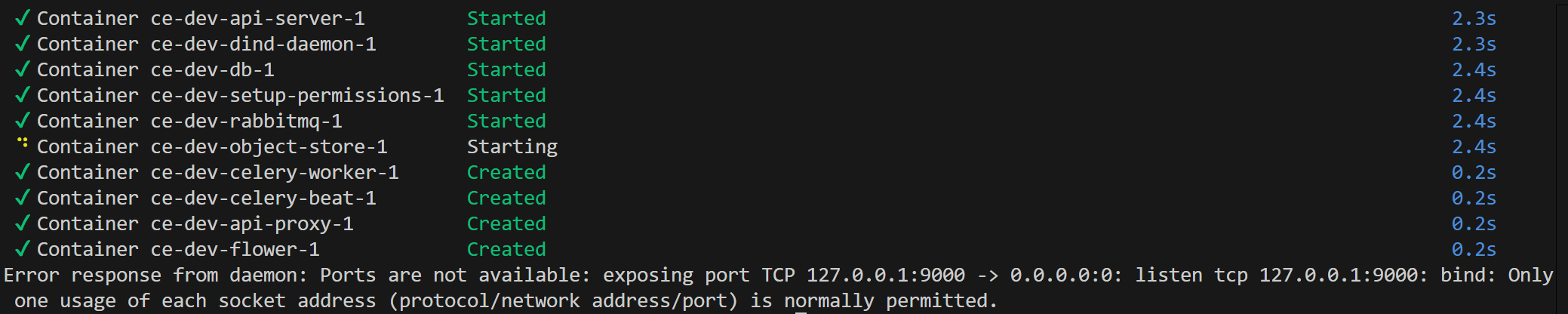
Error response from daemon: Ports are not available: exposing port TCP 127.0.0.1:9000 -> 0.0.0.0:0: listen tcp 127.0.0.1:9000: bind: Only one usage of each socket address (protocol/network address/port) is normally permitted.
It seems like this port is being used by python. I tried changing the S3_SERVER_PORT in .env.dev to a different one, but after rebuilding the code and launching again, I am still told that the container is trying to bind to the above port, not the new one set in the config file. I tried removing the volumes and rebooting my machine, but the problem persists.
Is there another location besides .env.dev that I would need to modify the assigned ports in order to fix this error? It is specifically the object store container which is seeking to bind to the conflicting port.
I did make sure to always destroy the deployment with the above command. I am sure there are no currently existing containers, and docker ps --all confirms there are none that are lingering. However, the problem persists, even after fully rebooting the machine.
netstat does not find anything using the port (in WSL).
As mentioned above, the port is being used by python. This was found using PowerShell on Windows itself.
I see. Even if we cannot fully determine what Python process is claiming it or why, your original idea to change to a free port should be working, since the port in the Docker Compose is parameterized. Do you want to join a Zoom for a minute to share screen? (check your chat for a link)
I just noticed that you are listing the process listening on 9000 on the windows command line instead of the WSL command line. What does netstat -atupen | grep ':9000 ' in WSL show?
Not really, I could meet with @loane2 in real life and see which port my machine is trying to use. It might be related to the multiple Python installations on his machine…
To update: I have managed to find the general source of the issue – which was using the WSL terminal integrated into VSCode. For whatever reason, this seems to cause issues when spinning up the docker containers.
The solution is simply to ensure that bash docker/launch.sh dev up is being called from a separate, dedicated WSL terminal window – not the one integrated into VSCode.
Not exactly. I am able to get the calculation engine up and running locally (as far as I can tell) by following the steps outlined in the documentation – but I am not sure how to authenticate my account and get an API key in order to submit workflows to my locally running instance.
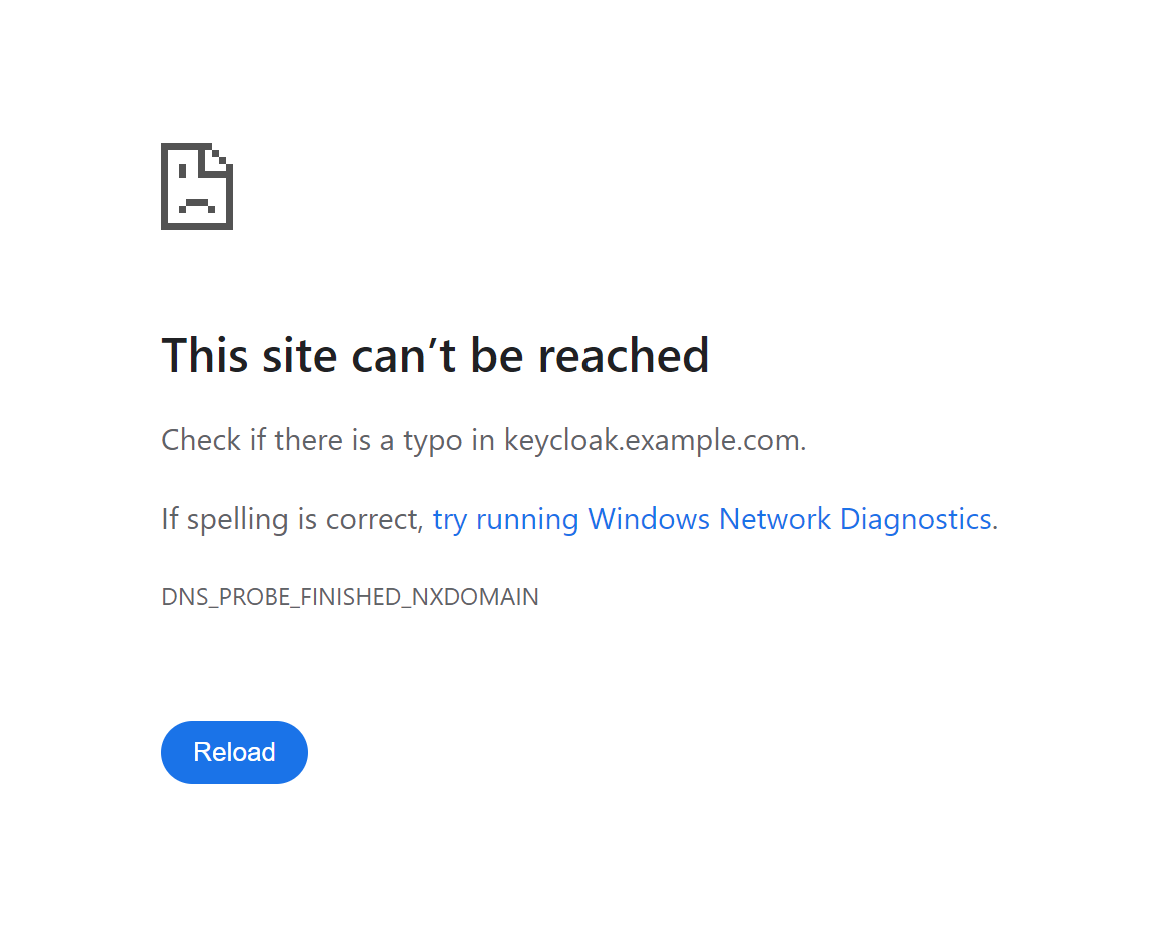
When I try to follow the same steps that work for https://alpha.musesframework.io/ on my local instance (http://127.0.0.1:4000), I am redirected to the following invalid URL: https://keycloak.example.com/realms/example/protocol/openid-connect/auth?response_type=code&scope=openid+profile+email&client_id=&redirect_uri=http%3A%2F%2F127.0.0.1%3A4000%2Foidc%2Fcallback%2F&state=niMAG9dHLz2BSMGh4kJKBWGi4ekimOeD&nonce=k6t1XLy5bGNaOSvOAMJ3siGvq3HPMD8b
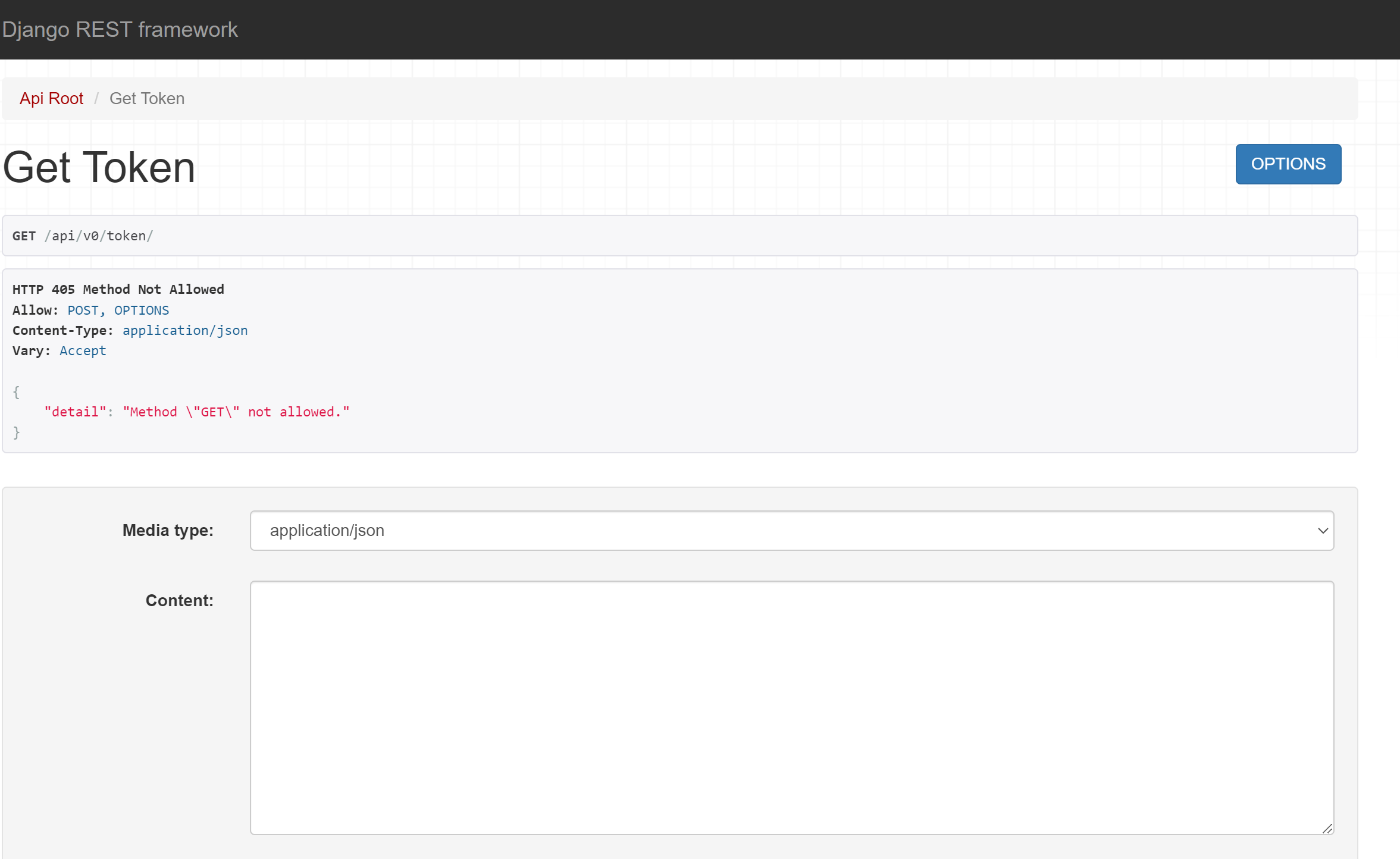
When I try to navigate to http://127.0.0.1:4000/api/v0/token/ and query the API to get a token directly from my browser, I am met with HTTP Error 405: Method Not Allowed
As a sidenote, sometimes I need to launch the docker containers multiple times (docker up, docker down, then docker up again) in order for them to successfully launch, as ce-dev-rabbitmq-1 sometimes fails on the first attempt. It is inconsistent to reproduce (so I don’t have a screenshot on hand), and I am able to work around it by just relaunching the application, but I thought it was worth mentioning, I don’t know if it is a known issue.
This documentation hints at what to do, but it could be more explicit. You cannot use the OIDC-based login because we cannot share the secret credentials that our Keycloak server needs to authenticate the CE itself. Fortunately, the CE actually creates local accounts, with the first account, admin, being created during the app init routine. You can open http://localhost:4000/admin/ and use the default admin, password credentials to authenticate.
You typically do not need to do this in order to run workflows. If you look at the Python API wrapper we use for unit tests and for the tutorial, you will notice that if no token is provided, it will attempt to fetch one using the supplied (or default) username+password. This only works for locally provisioned user accounts, because those are the only accounts for which the CE records a local password. Normal accounts are provisioned by the OIDC plugin that allow you to authenticate against an external identity provider (IdP), which in our case is MUSES Keycloak → CILogon → your personal IdP, and so for these accounts, the CE never sees your username and password.
I have not seen this particular behavior, but the system is complex enough that it does not surprise me. Just yesterday one of the unit tests that tests the upload size limits started failing, even though the logic was solid. Out of desperation I inserted a 1-second delay between sequential uploads and it passed. My assumption is that there is some race condition or latency between the API server and some other component like the MinIO object storage server or perhaps Redis since that is new, but I do not know the true cause.
As it turns out, as of my most recent code pull (yesterday), this error is no longer intermittent or able to be worked around: I experience this issue when I attempt to launch the calculation engine locally 100% of the time. From checking the logs, it appears to be a permissions issue related to the .erlang.cookie file:
Error when reading /var/lib/rabbitmq/.erlang.cookie: eacces
A few days ago @mrpelicer identified a bug I introduced when I refactored the Compose environment. If you pulled the latest main branch commit you should be fine though. Do a sanity check and git diff your clone’s state against origin/main after git fetch origin. Another thing to try is wiping the slate clean with the destroy-volumes option.
You used the destroy option, though, correct? Even using a fresh clone, Docker will reuse the existing volumes because they are named according to the Compose project spec, not the clone directory.
I suspect it is something related to Windows, which is likely due to my personal bias, but I’ve worked with many a Windows version since 3.1 that have reinforced that bias