@andrew.manning @mrpelicer @david.blaschke
Hi Mateus, the school attendees (including David) that tried to run the Python scripts on Google got the same error as you did. Any suggestion on how to fix it? Thanks
@andrew.manning @mrpelicer @david.blaschke
Hi Mateus, the school attendees (including David) that tried to run the Python scripts on Google got the same error as you did. Any suggestion on how to fix it? Thanks
Mostly for my curiosity’s sake: by Google, do you mean Colab? Are you using a Jupyter notebook to step through the CE tutorial?
yes for both
David will answer you with more details later. He is busy at the school right now.
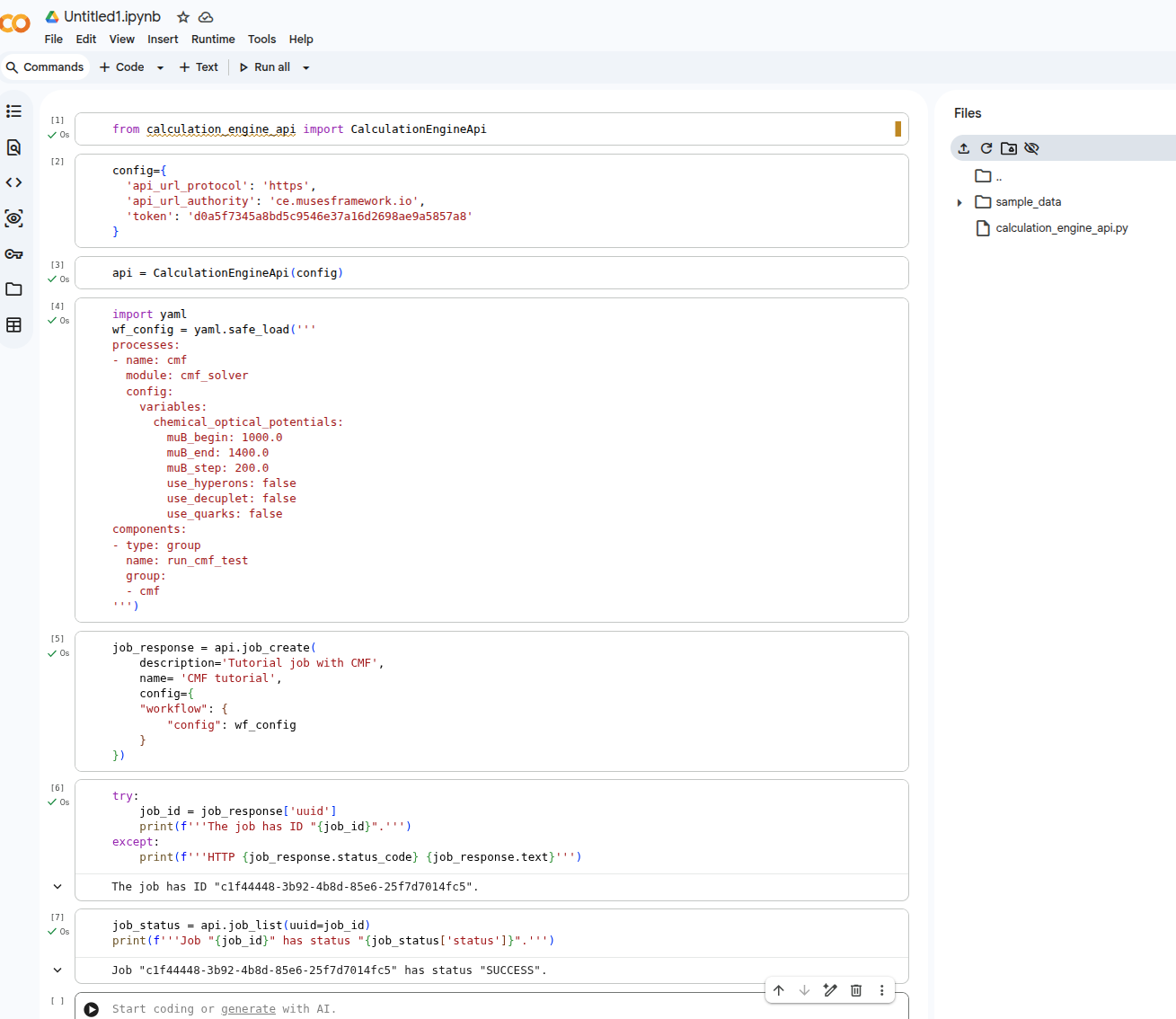
@andrew.manning This is the script we were running.
In the Jupyter website, the error was: ModuleNotFoundError: No module named 'requests'. I tried !pip install requests, but got OSError: Not available.
@vdexheim The script works in Colab for me. Could they try !pip install requests before calling the import’s to see if that works?
Earlier, I just went to https://colab.research.google.com and selected “new notebook”. Any idea why my notebook succeeded? It relies on the same calculation_engine_api.py module.
Update: Mateus, I overlooked your message about it also working in Colab for you. I think I understand now that earlier you meant that the students are using https://jupyter.org/try-jupyter/notebooks instead of Colab.
Screenshot 2026-03-04 at 21.06.44.pdf (636.9 KB)
Screenshot 2026-03-04 at 21.06.55.pdf (999.6 KB)
Looks like you need the requests package but you do not have the ability to install packages on their service, which is not unexpected.
%pip install requests
worked for me, but it still complains about Pandas, which failed installation.
I’d recommend using Google colab instead.
In the future, I could spin up a dedicated, temporary JupyterHub instance for the event like I do for the Girls Astro Summer Camp every year.