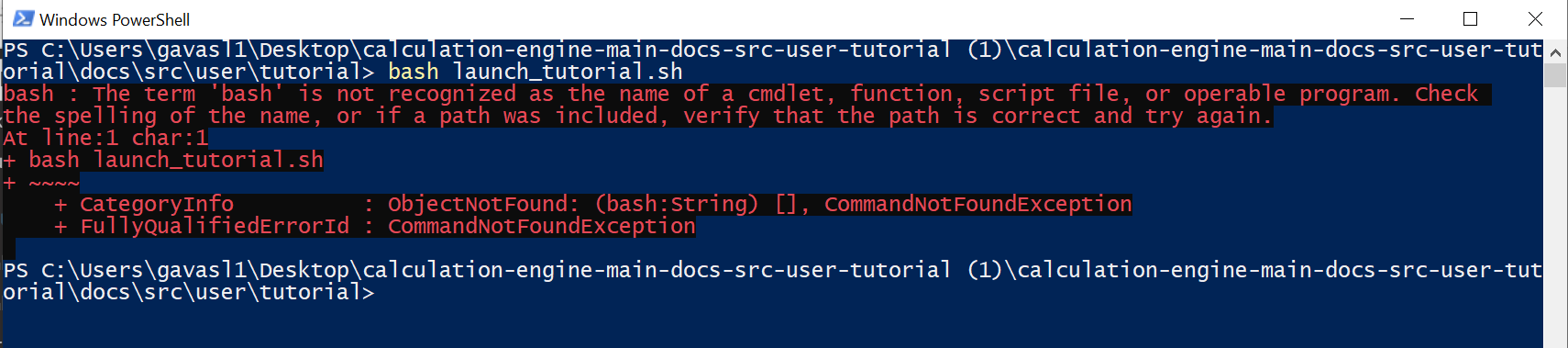
Now, to launch this notebook, a terminal is required. I have windows, and I found out that there is a terminal also here. So I tried to run it there, and it gives me the following:
It seems that, to make this work, I need bash, which requires linux.
Is there a way to go ahead without converting my laptop into a windows-linux hydrid (which looks quite complicated)?
Apologies if my question is stupid.
Best regards,
LG
No need for this. The answer to your question will inevitably help someone else at some point.
It is unfortunately the case that we only technically “support” Linux, in the sense that from in a practical sense we only have enough developer resources (primarily our time) to build and test the MUSES software for the target computing environment for the public service, which is Linux-based. That being said, we do have members of our MUSES module @devs who use both MacOS and Windows machines to do their software development. Perhaps one of them (@cnc6 I think runs Windows) can assist with this.
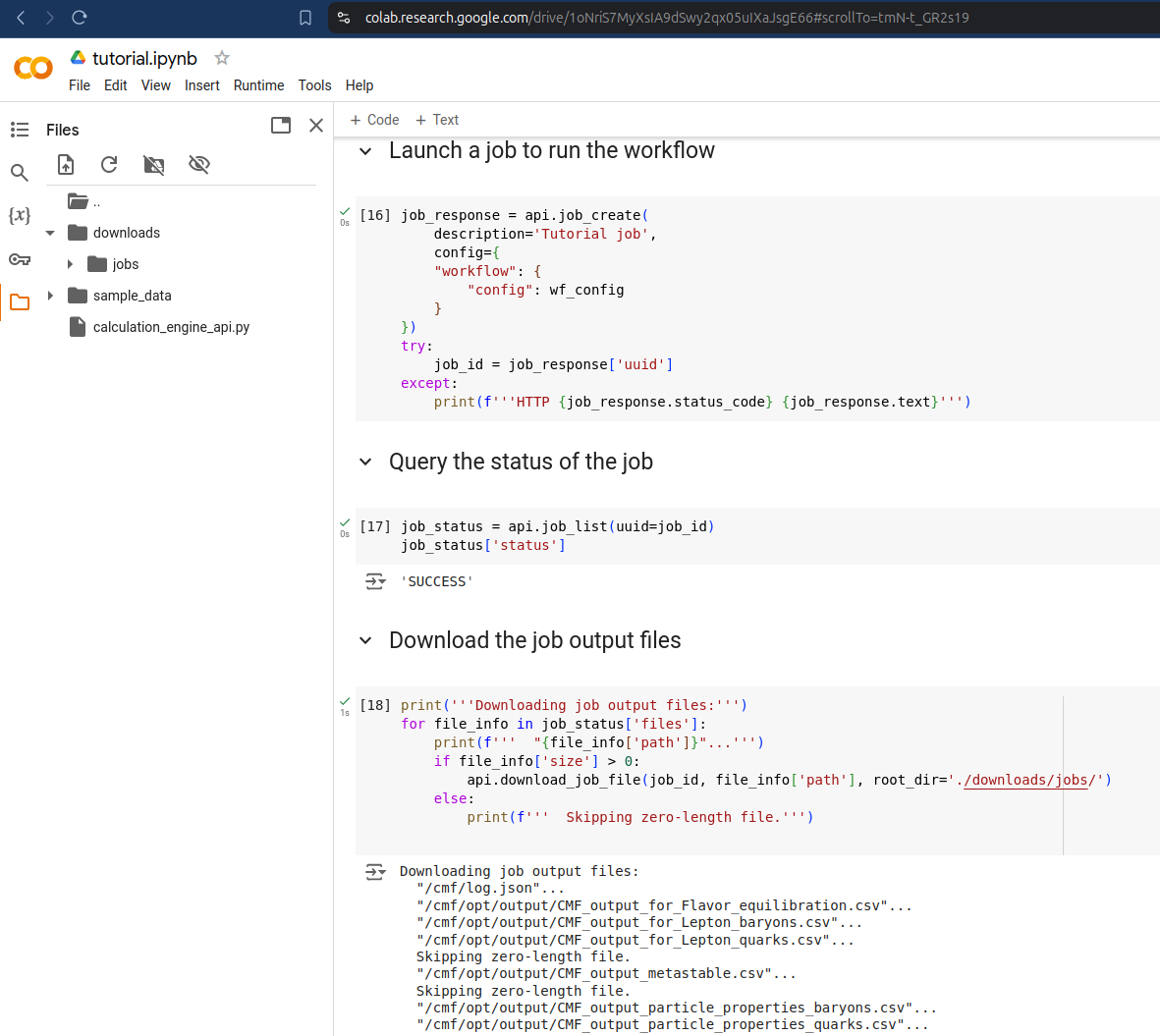
In the meantime, you may want to pursue other methods for running the tutorial notebook. For example, I just tried Google Colab (for the first time ever, actually) and it was able to run the tutorial.
Dear Lorenzo thanks for your question. If you use a Windows PowerShell you cannot execute our modules precisely because as Andrew said, we have native Linux support. The easiest way to make your Windows a Linux-hybrid is by using Windows Subsystem for Linux (WSL) Install WSL | Microsoft Learn
Windows using Windows Subsystem for Linux (WSL)
It is recommended to use Windows WSL instead of cygwin. For this purpose, open a PowerShell terminal and install WSL with wsl --install -d Debian, then reboot your system. Once your system is up again, a Powershell terminal will open itself and request a new UNIX username. Note that your username must fulfill the UNIX username conventions (must start with a lowercase letter, may only contain lowercase letters, underscore (_), and dash (-), and may optionally end with a dollar sign ($)). After accepting the username, a password needs to be provided. Then the terminal will open the Debian Linux subsystem inside Windows. To update your subsystem and install the required libraries, use
For basic usage please refer to WSL documentation. After installing WSL, I recommend you install Docker Desktop by following the official instructions Windows | Docker Docs
After a reboot, you should have installed your Windows-Linux hybrid with Docker capabilities.
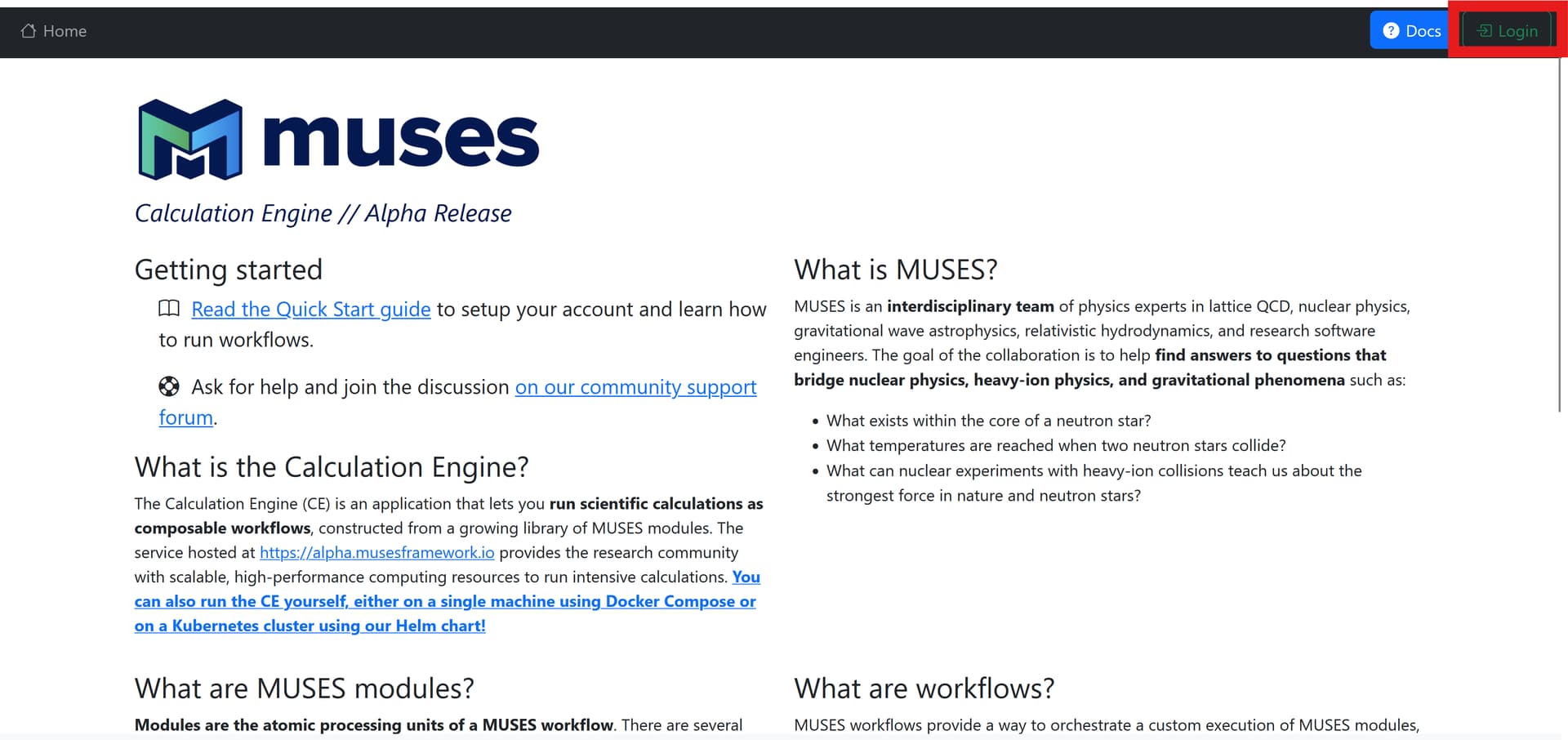
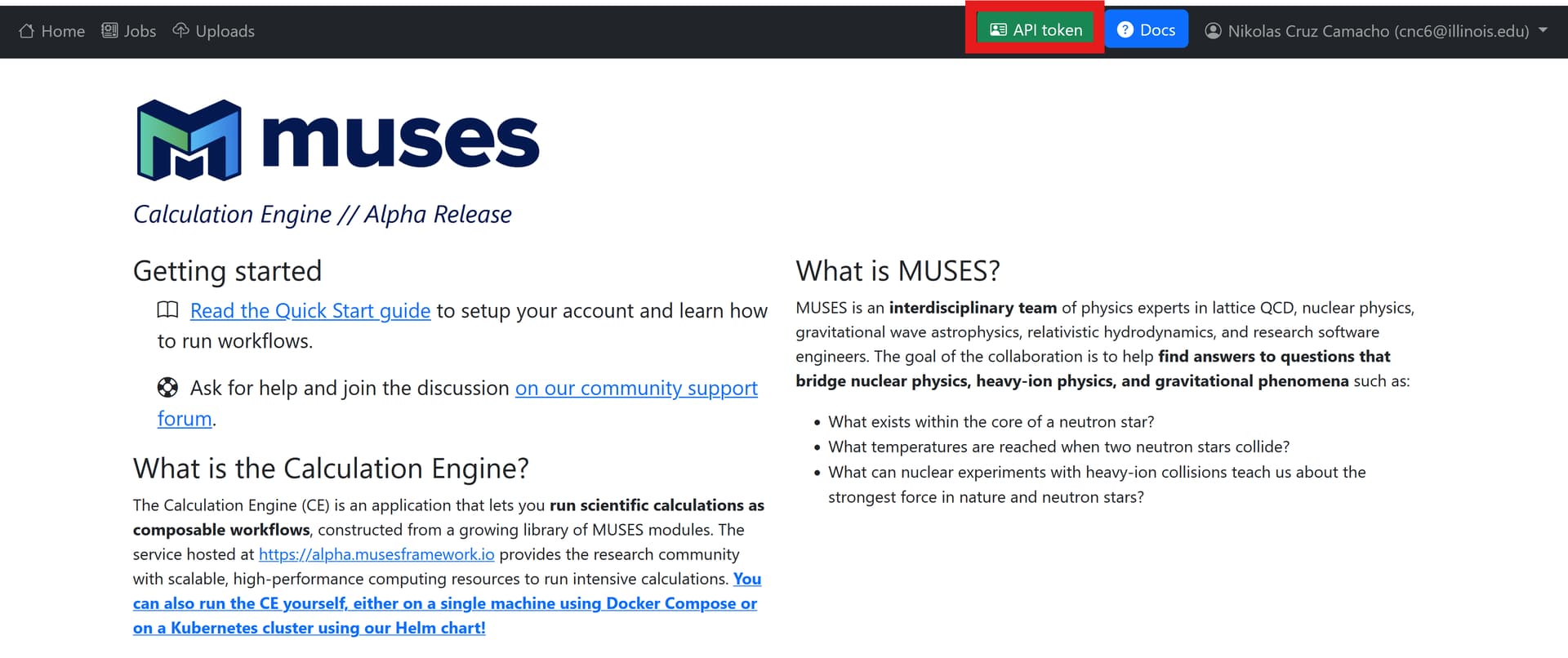
Ok, now the situation is clear. I was already loged-in, but the “API token” button was not there because I had not yet been granted permission.
Thank you for clarifying the matter!
PS: I had the suspicion that the website WAS the app, but since the button was not there, I started to doubt it
This is all excellent feedback; thanks for being vocal. You’ll have to give us ideas for how to better word or explain this process so that it will be clearer for others.
Thank you for taking my feedback into consideration!
So, your original instruction is the following:
Press the green “API Token” button on the Calculation Engine web app and enter your token at the prompt.
Perhaps you may rephrase it into something like this:
Go to the webpage https://alpha.musesframework.io/ and press the green “API Token” button on the top bar. Then, enter your token at the prompt.
Note: If the “API Token” button is not there, press the orange button “Request Access” (I think this was its name) on the top bar and wait for approval of an admin. Then log out and in https://alpha.musesframework.io/, and the “API Token” button will appear.
I think I understand how this confusion can happen: if someone skips over the quick start guide steps 1-3, or somehow discovers the tutorial pagebefore they read the quick start guide, then they may not have established an account and logged in for the first time.
Perhaps the simplest way to avoid this possibility is to insert a step in the tutorial instructions and in a note in the tutorial notebook itself that direct the person to the quick start guide before proceeding to use their API token. I’ll make these changes.