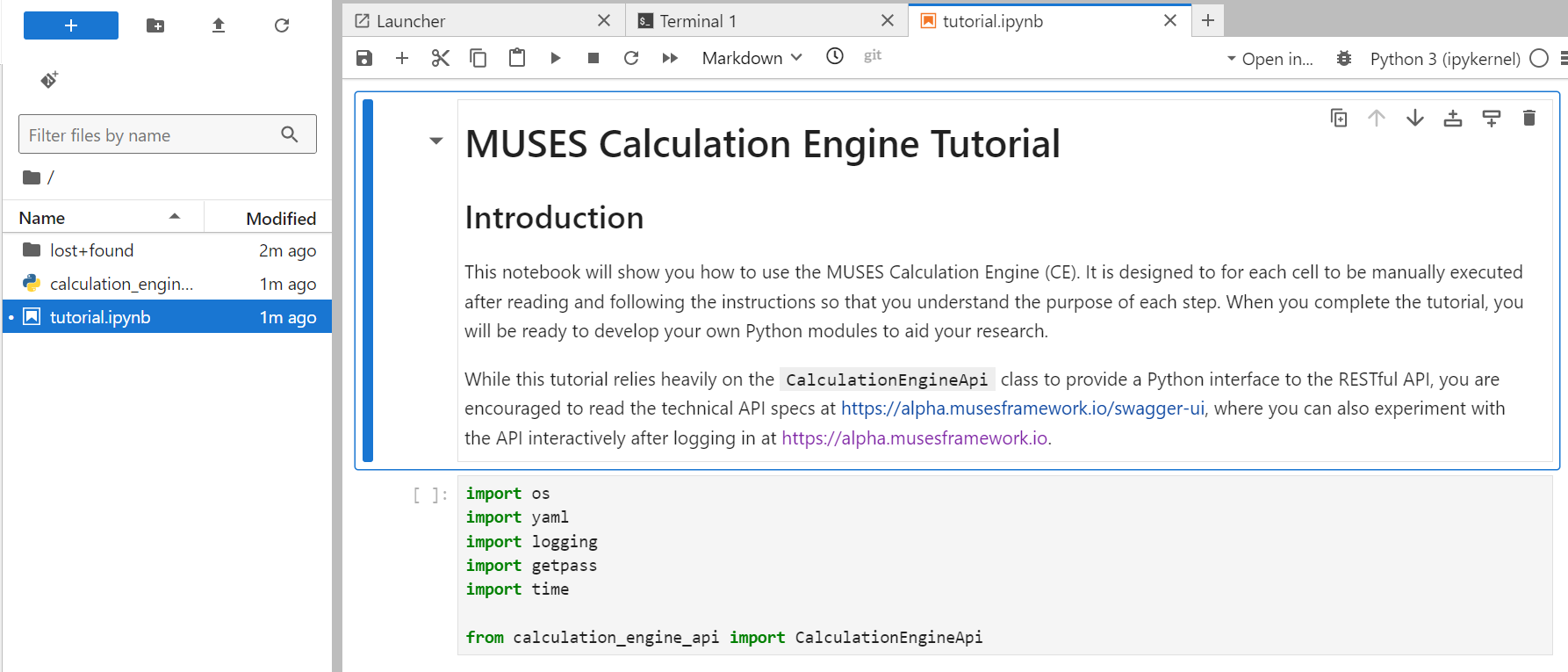
Our MUSES JupyterHub instance has been resurrected and configured for use by the Calculation Engine users as a way to make the tutorial easier to run.
Take a look at the updated tutorial documentation  and see if it works for you!
 Please report successes and failures here.
We could automate the initial installation of the tutorial files, but let’s see what feedback we get before over-engineering it.
@lorenzo.gavassino
@ce-alpha-testers
Thank you for updating the documentation!
I think it works. The “STOP” sign is effective 
@lorenzo.gavassino Did you actually visit our JupyterHub site to launch your own JupyterLab server?
The first method uses our MUSES JupyterHub instance here. When your personal JupyterLab server is online, you should open a new Terminal with File → New → Terminal. Copy the following commands into the terminal to download and install the tutorial files:
#!/bin/bash
set -e
wget -O /tmp/tutorial.zip --quiet https://gitlab.com/nsf-muses/calculation-engine/-/archive/main/calculation-engine-main.zip?path=docs/src/user/tutorial
cd /tmp
unzip tutorial.zip
cp calculation-engine-main-docs-src-user-tutorial/docs/src/user/tutorial/tutorial.ipynb /home/jovyan
cp calculation-engine-main-docs-src-user-tutorial/docs/src/user/tutorial/calculation_engine_api.py /home/jovyan
You should now see a tutorial.ipynb file in your home folder. Open that notebook to begin the tutorial.
Yes, I confirm that I managed.